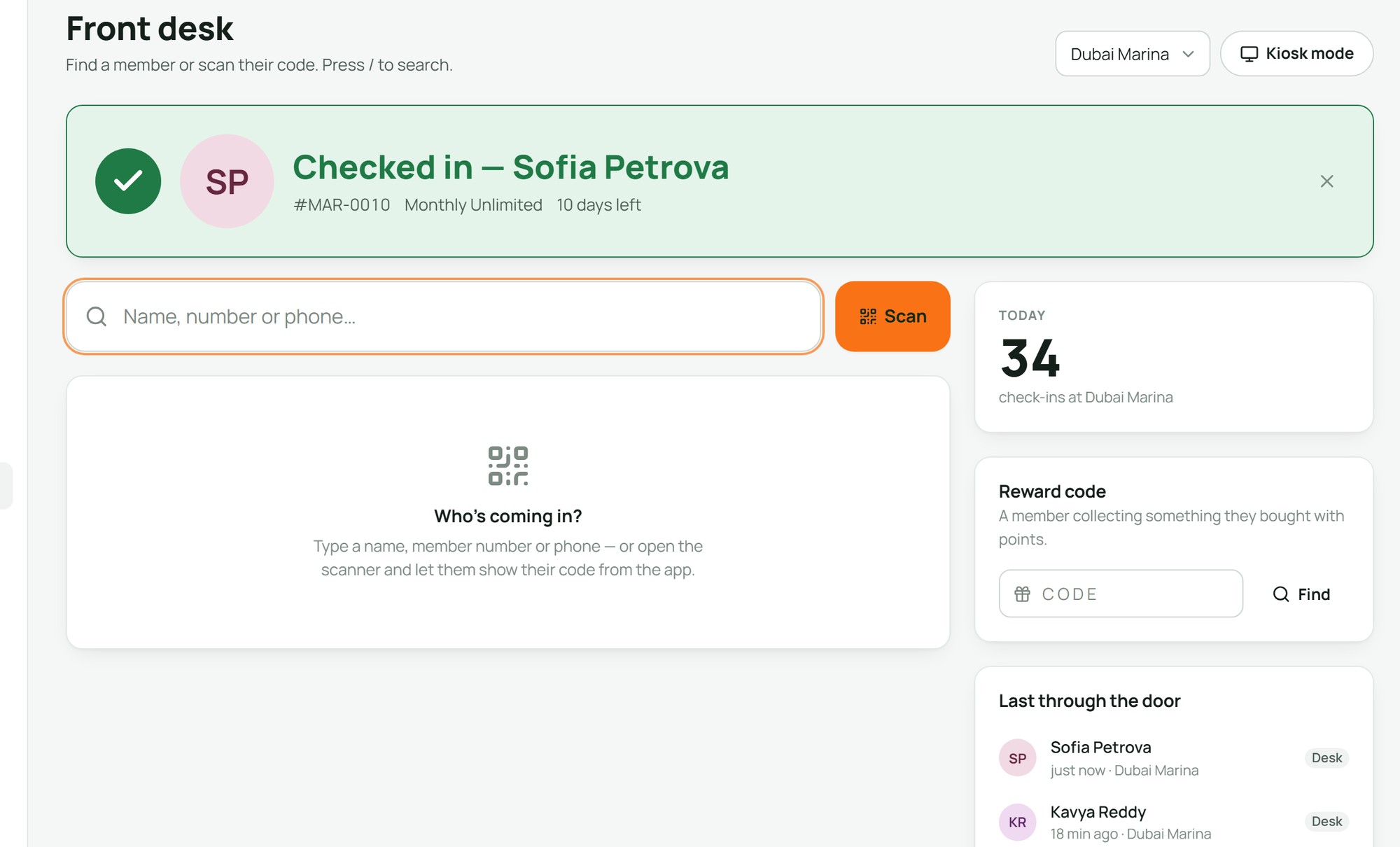
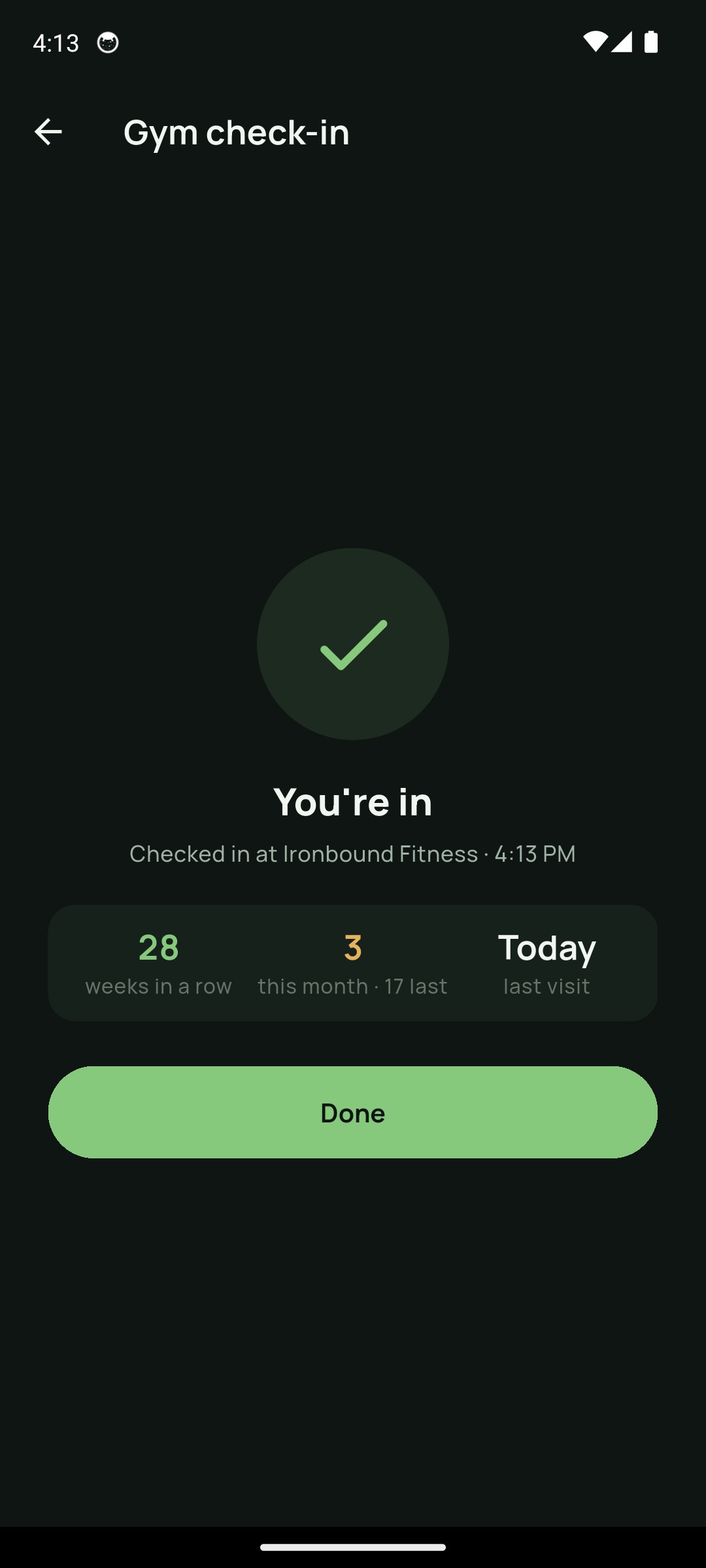
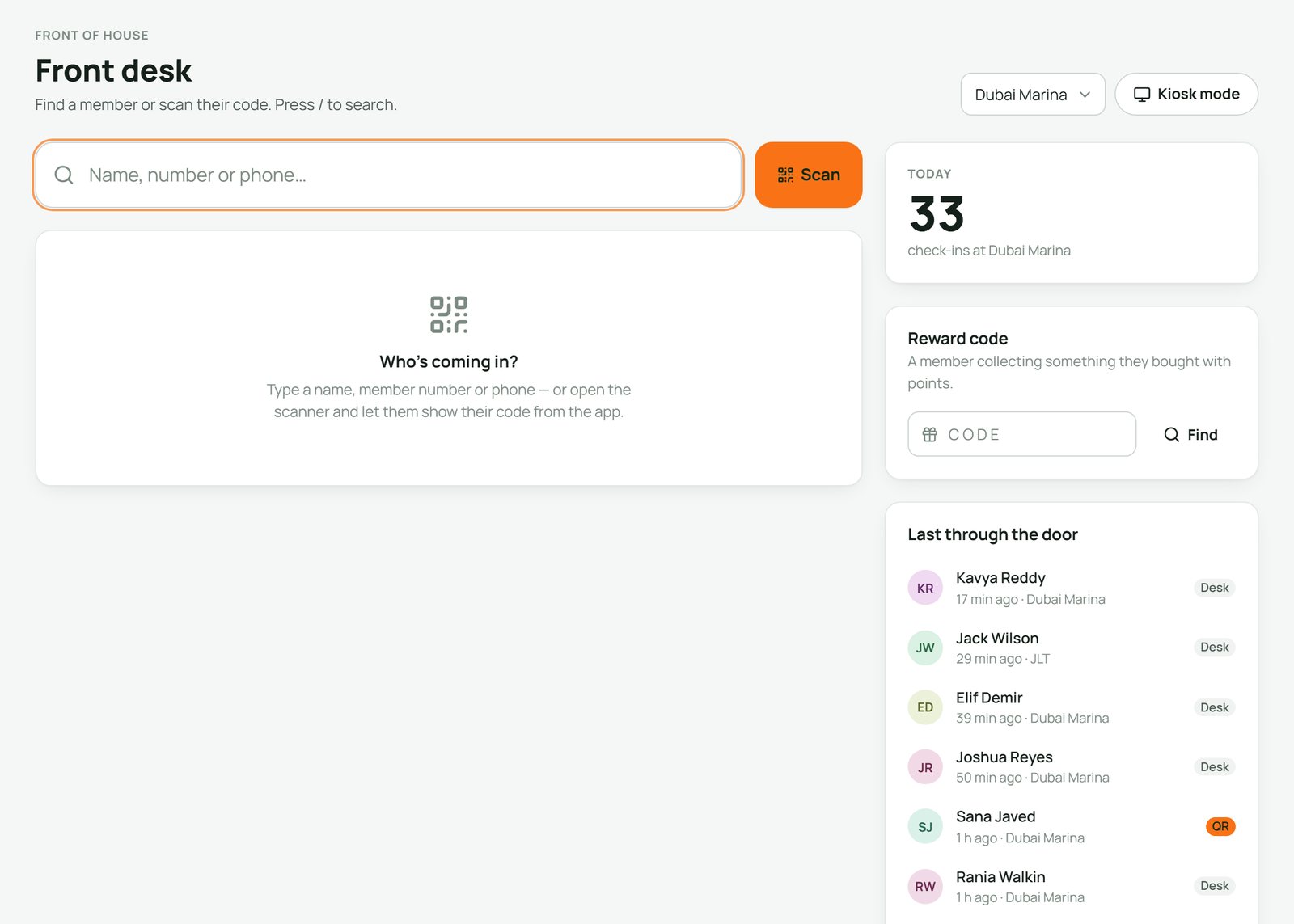
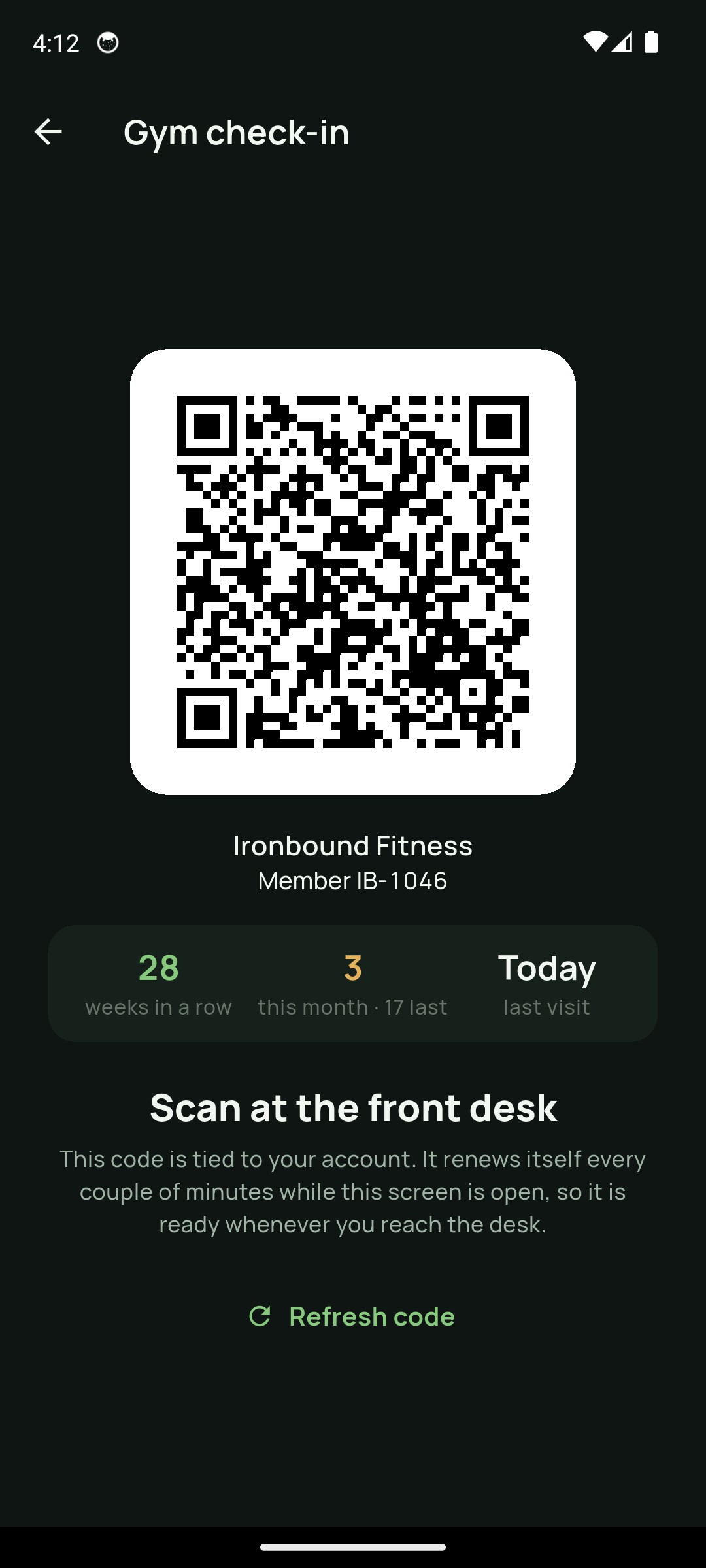
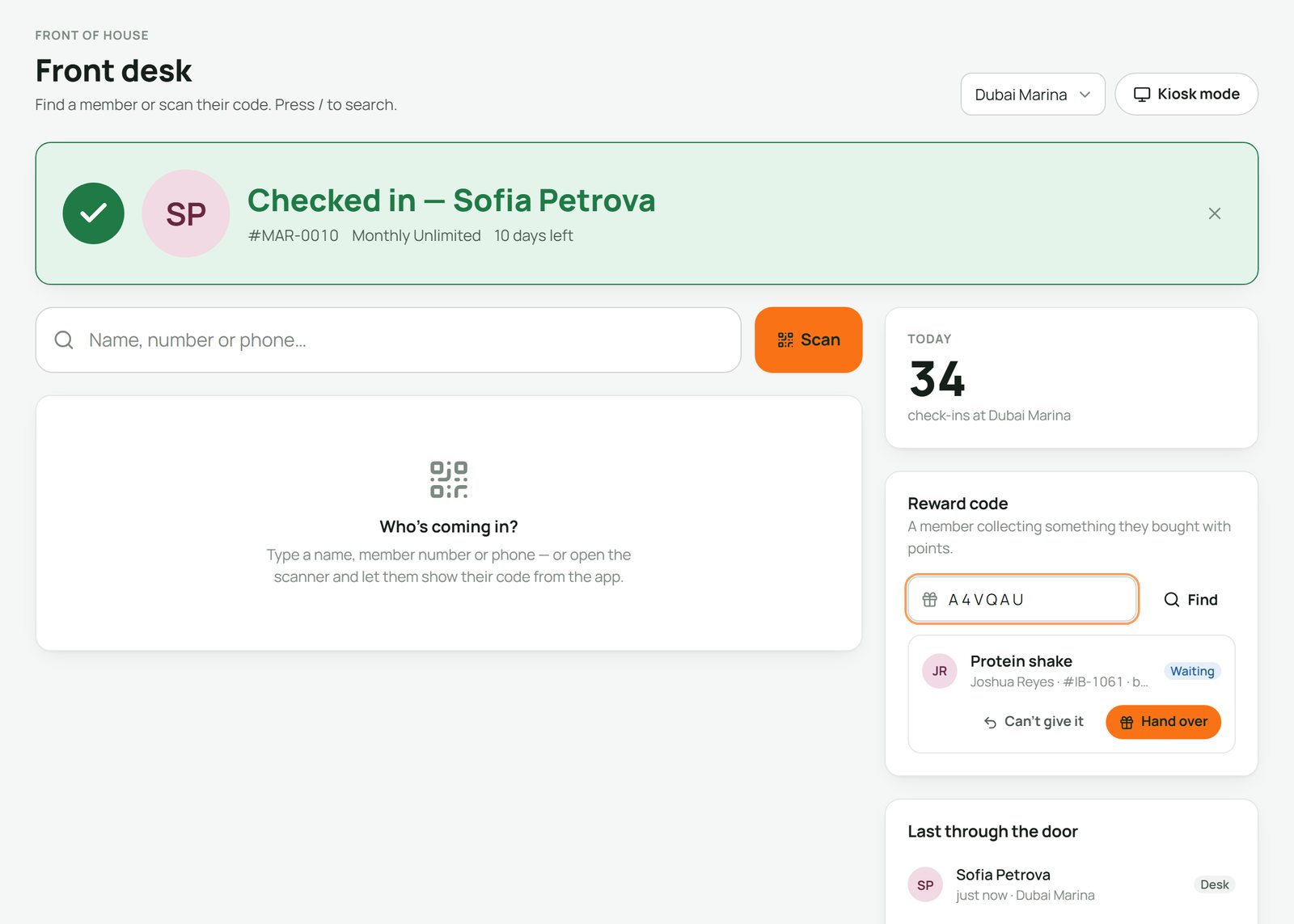
| Ways to check in | Scan the member’s code with a USB scanner or a supported camera, or search by name, member number or phone. |
|---|
| Kiosk mode | A check-in screen for members to use themselves. |
|---|
| Door poster | A poster by your door that members scan in the app to check themselves in: only your members with a live membership, once a day, and only when their phone is at the gym. |
|---|
| Door readers | Each location has its own scanner key, so a door reader can check members in. Replace a key at any time. |
|---|
| Letting someone in anyway | Owners, managers and the front desk can let a member in while something gets sorted. Coaches can check in, but not override. |
|---|
| What a visit counts for | The member’s weekly streak and FitScore in the app, and your attendance reports. |
|---|
| Selling at the desk | Every plan and product, with discounts and six ways to record payment. |
|---|
| Rewards | Claim codes checked at the desk: hand the reward over, or give the points back. |
|---|
| Health notes | Owners, managers and coaches see members’ health answers. The front desk sees them only if you switch it on. |
|---|