
Help centreThe FitVantage appGetting started
Join your gym with a code
Your gym gives you a six-character code: on the poster at the desk, from the front desk, or in an email invite. Once you join, your gym’s card is on your home screen, with your check-in code, classes, news and rewards.
New to the app
- Download FitVantage from the App Store or Google Play.
- Tap Create account and fill in your details.
- Type the code under Invite code from your coach or gym. The app shows your gym’s name, so you know it’s the right one.
- Tap Create account. Your gym’s card is waiting on your home screen.
Coming soon to theApp StoreComing soon toGoogle Play
Already have the app
- Tap your picture, then Settings › Join a gym.
- Type the six-character code. The app shows the gym’s name and city.
- Tap Join with your gym’s name on it.
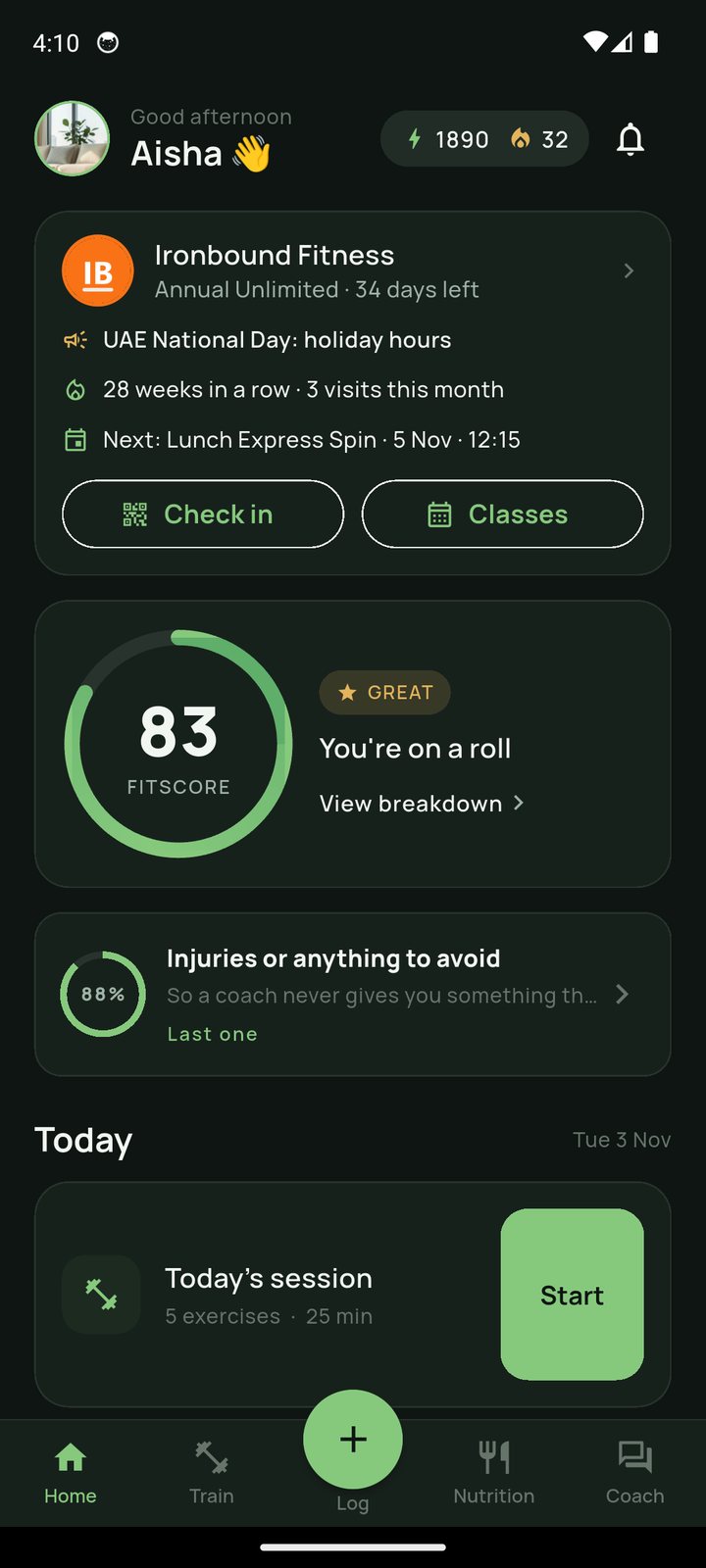
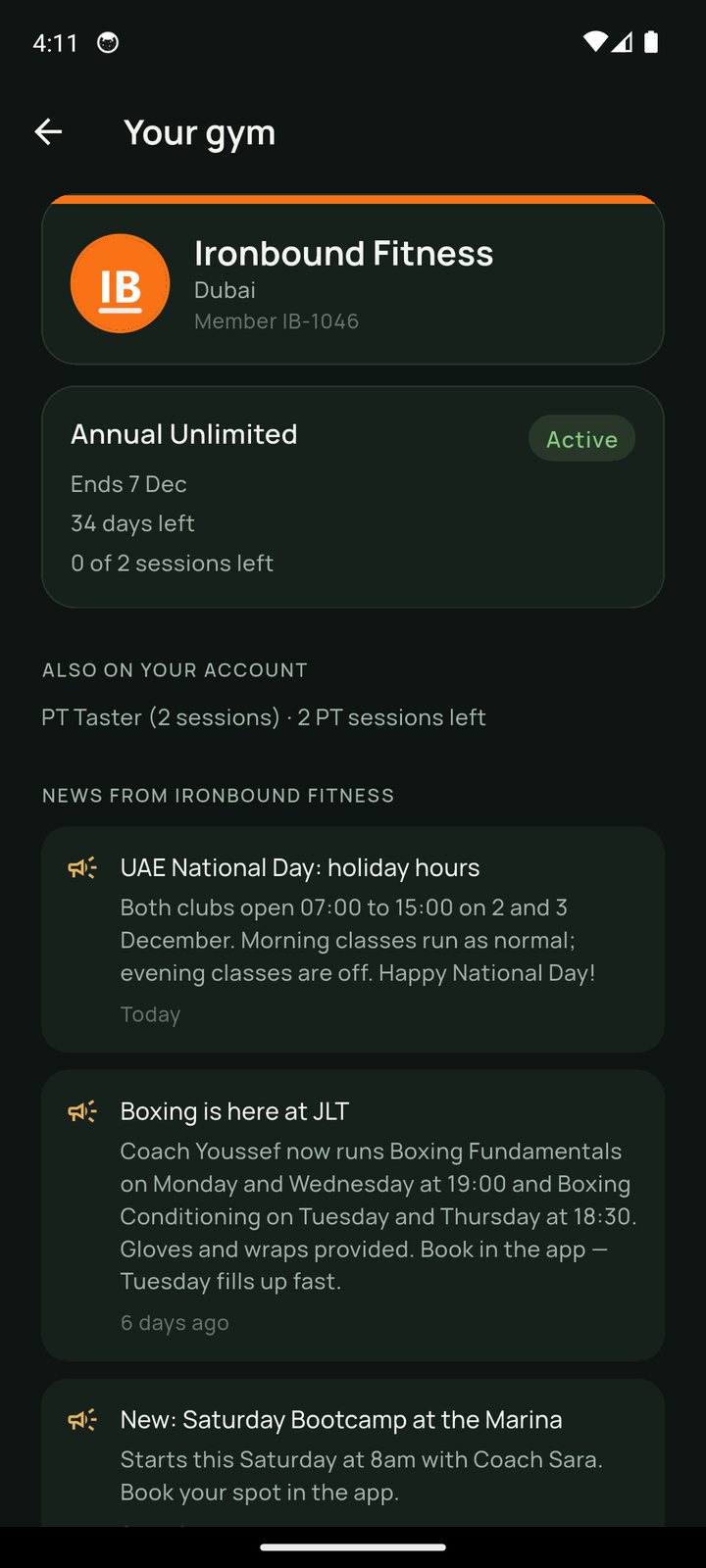
What changes when you join
- Your gym runs your membership. Plans, payments and renewals are between you and the gym. FitVantage doesn’t take your money for a gym membership.
- Check in at the door with the code in the app. Visits and classes count toward your FitScore and streak.
- Book classes, read your gym’s news and collect rewards at the desk.
- What you log stays yours: workouts, meals and photos stay in your account.
Leaving your gym
You can leave from the Your gym screen. Your account stays, as a free FitVantage account. Your gym memberships and any coaching through the gym end, and the gym is told.
Didn’t work?
- “That code is not valid any more”: your gym has changed its code. Ask the front desk for the new one.
- “That code is from a coach, not a gym”: it’s a personal code from a coach. Enter it on the Coach tab instead.
- “You are already a member of another gym”: you can be in one gym at a time. Leave your current gym first, or ask them to release you.
- “Your account belongs to your coach”: you’re coached by someone on FitVantage. Talk to your coach before joining a gym.
Related
Still stuck? Talk to us.
We reply in English.
- Call or WhatsApp
- +971 55 582 0061 · WhatsApp
- Hours
- Monday to Friday, 9:00 to 17:00 (UAE)
- Company
- FIT - VANTAGE FZCO · DSO-IFZA, IFZA Properties, Dubai Silicon Oasis, Dubai, UAE