
Help centreFitVantage for CoachesPlans
Templates
Build a plan once and use it again and again: workout routines and meal plan templates, for one client or many at once.
Workout routines
- Every routine is a template. In Workout Routines, choose Assign on one to give it to a client.
- FitVantage’s routines, marked FitVantage, are ready to use. To change one, choose the copy icon and edit your own version.
- Turn a client’s plan into a routine: in Workout Plans, choose Save as routine template. It’s saved switched off: switch it on in Workout Routines to use it.
- Bulk assign: pick a routine, a start date and the clients (or Select all). Each gets their own copy.
Meal plan templates
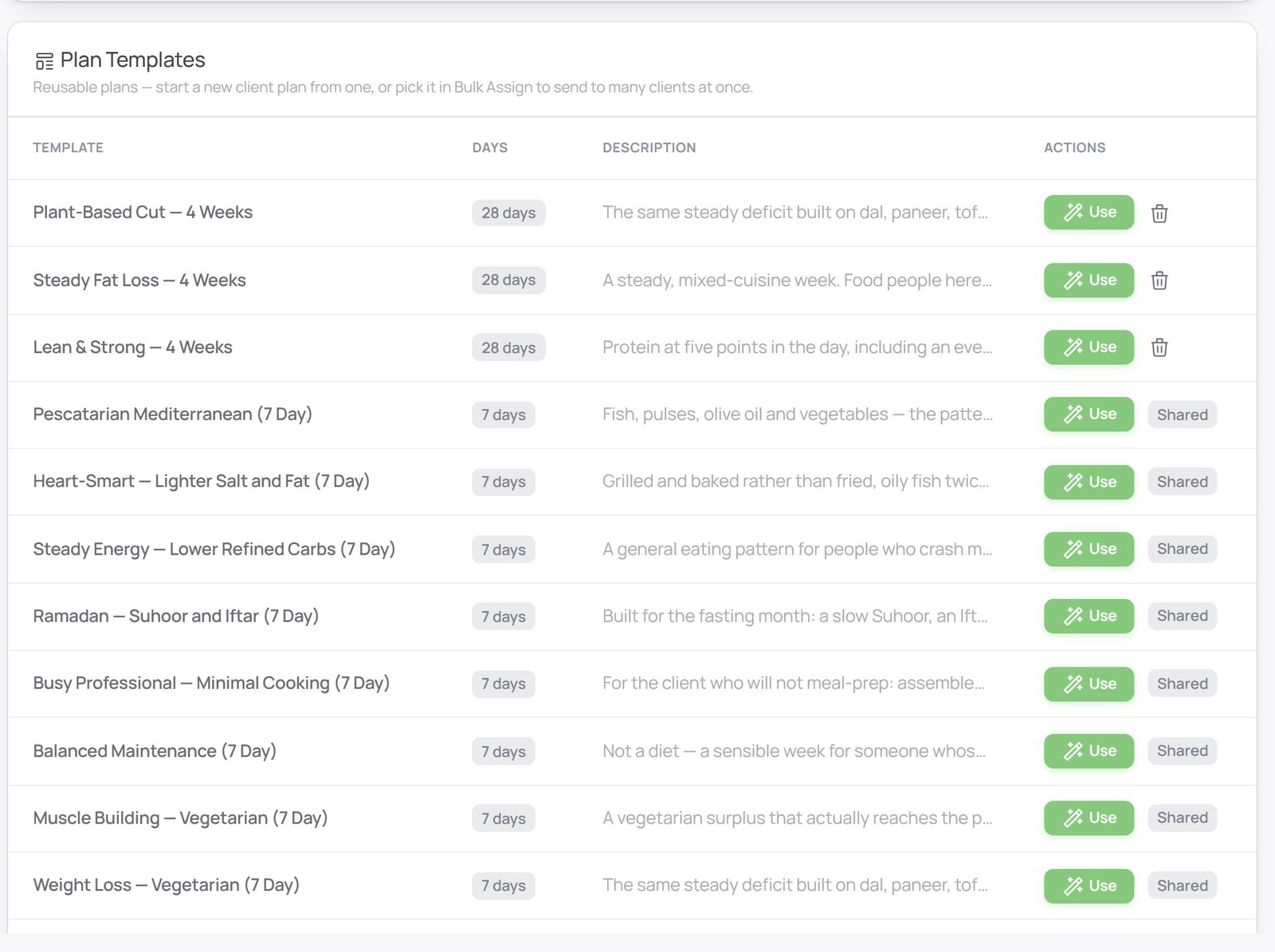
- Plan Templates sits at the bottom of Meal Plans: FitVantage’s, marked Shared, and your own.
- Save any plan as a template with the template icon on its row.
- Use makes a new plan from a template and opens it: pick the client, adjust it and save.
- Bulk Assign: pick a plan, a start date and the clients. Each gets their own copy, live straight away, keeping the plan’s length.
Switch it on
A plan made with Use, or copied with the copy icon, starts switched off, so your client doesn’t see it while you work on it. When it’s ready, turn on its Status switch in Meal Plans. A plan with no client yet shows Draft: choose Assign, pick the client and choose Go, and it goes live.
Related
Still stuck? Talk to us.
We reply in English.
- Call or WhatsApp
- +971 55 582 0061 · WhatsApp
- Hours
- Monday to Friday, 9:00 to 17:00 (UAE)
- Company
- FIT - VANTAGE FZCO · DSO-IFZA, IFZA Properties, Dubai Silicon Oasis, Dubai, UAE